Mascot
A Scene-Centric Grammar for Expressive Data Graphics
Build expressive data graphics by manipulating scene objects.
Built using Mascot scene objects
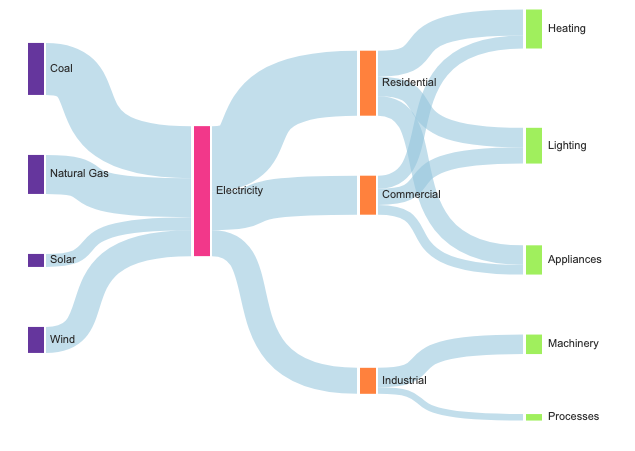
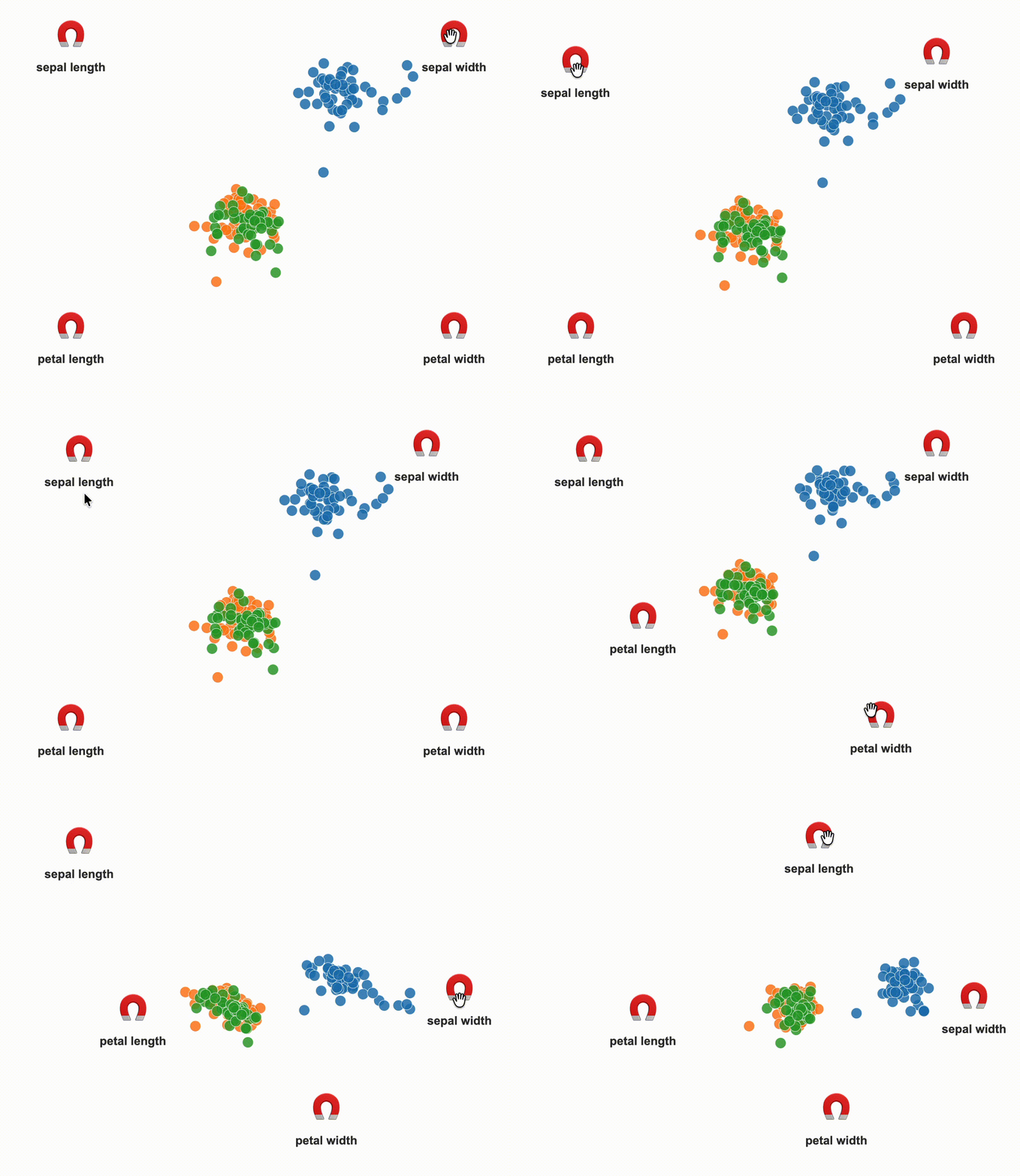
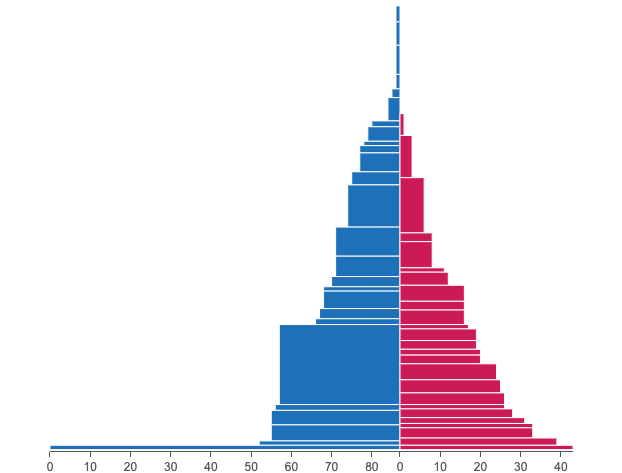
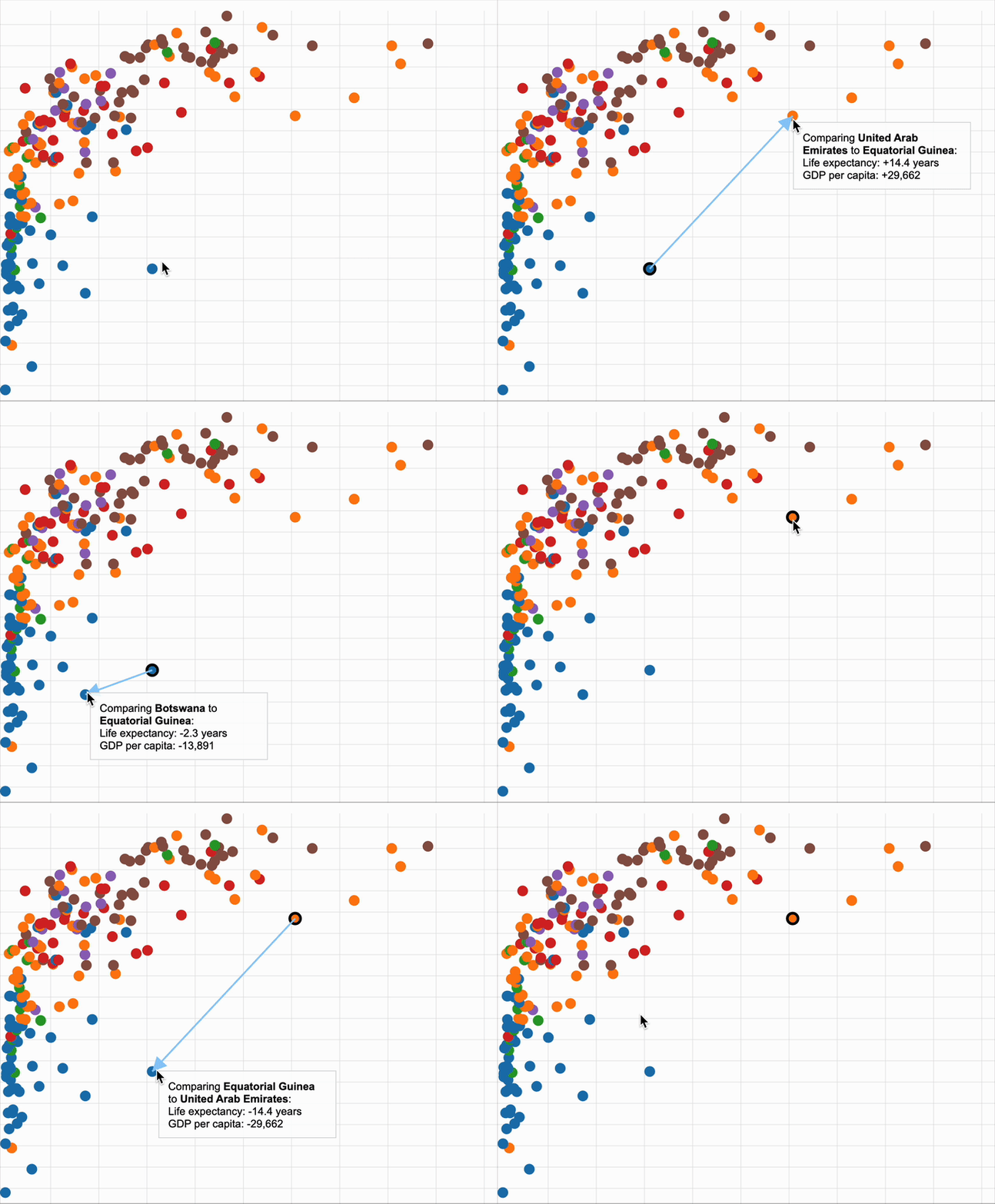
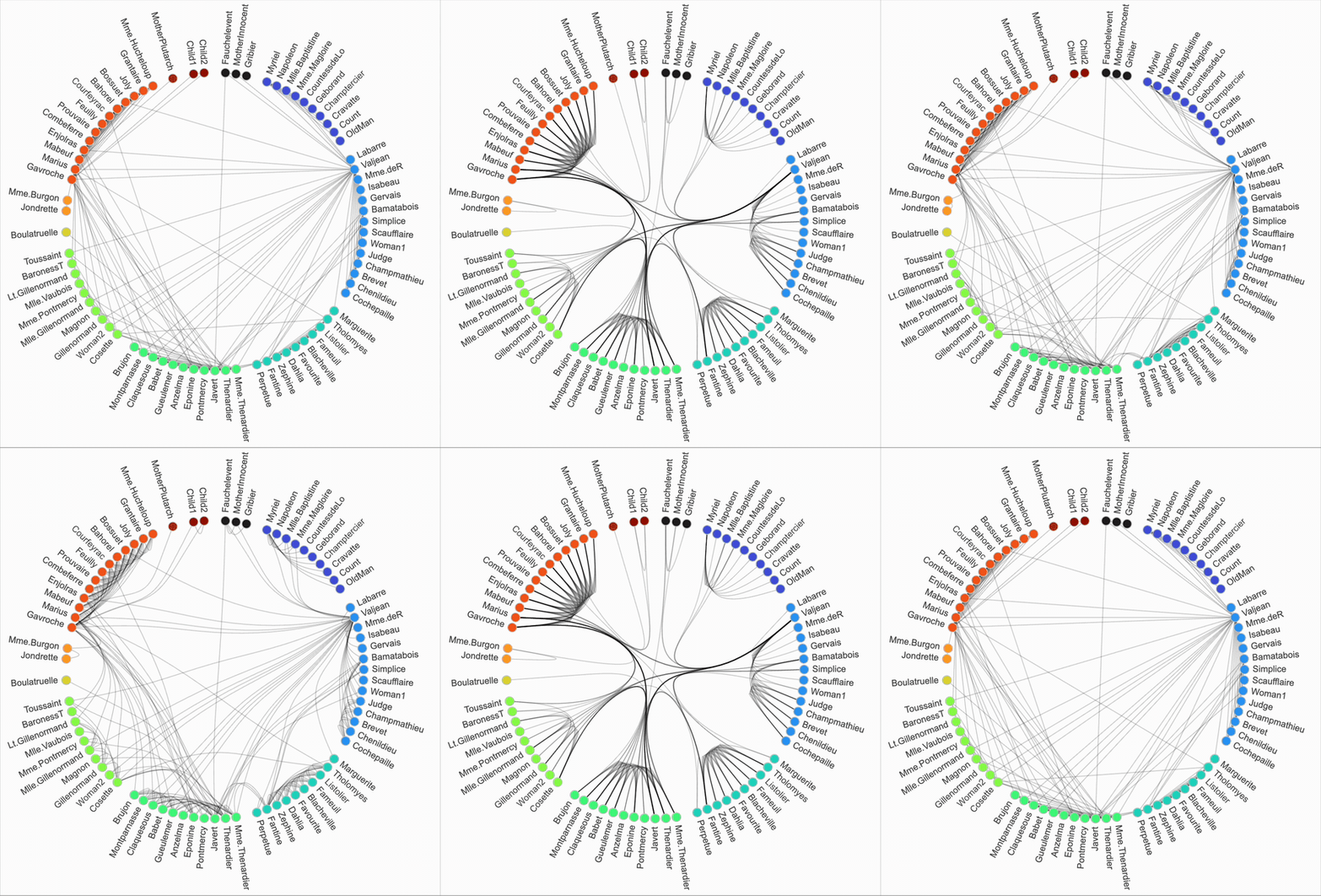
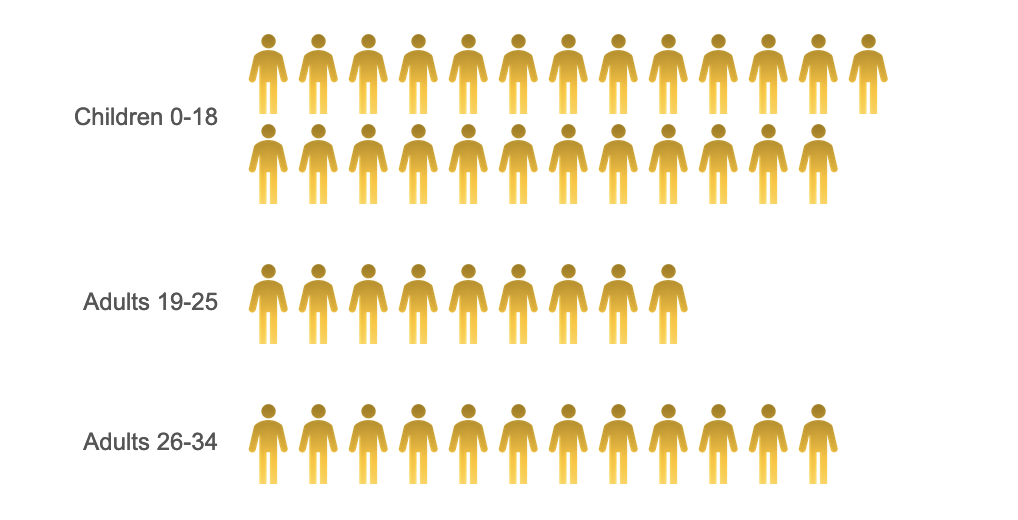
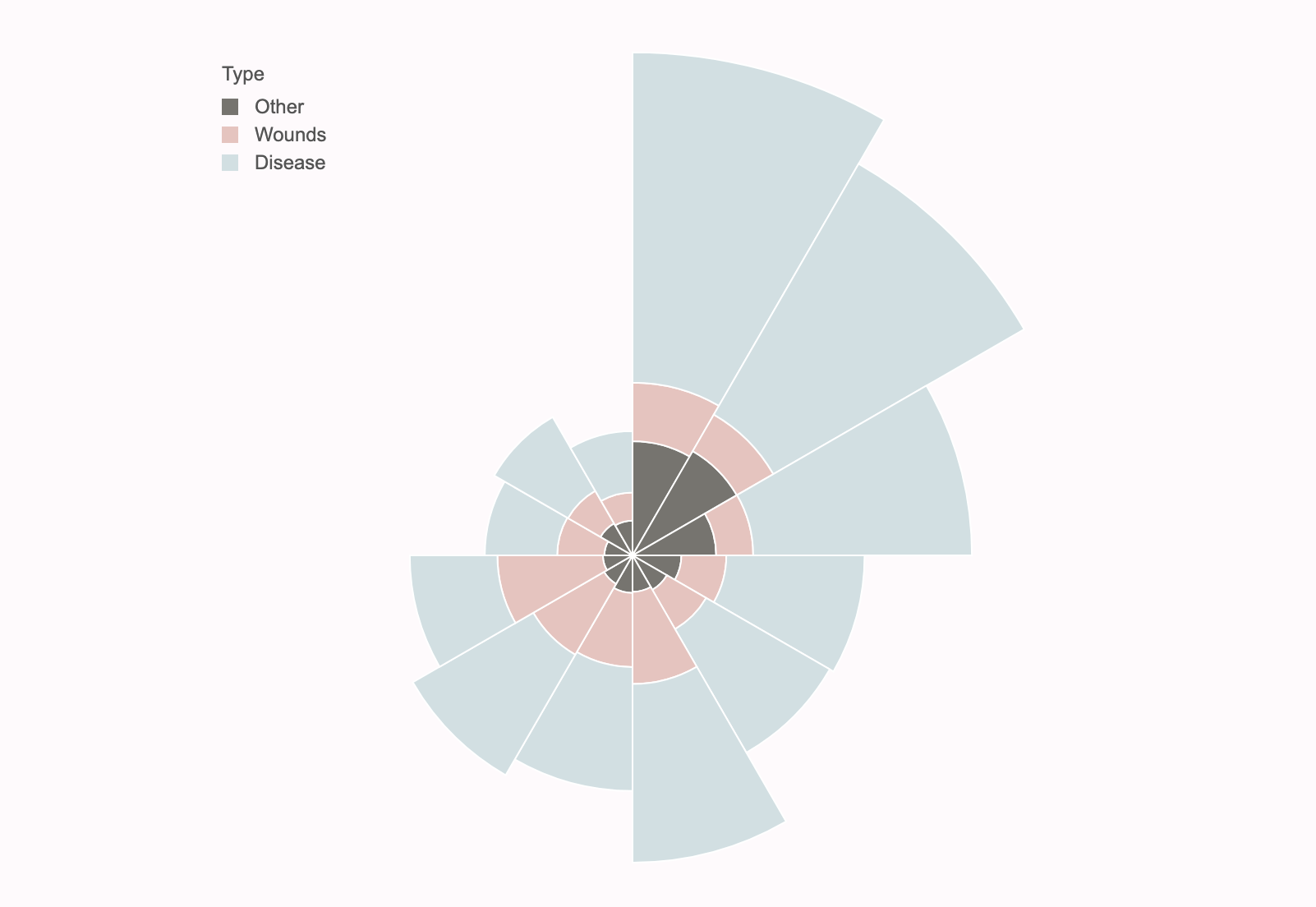
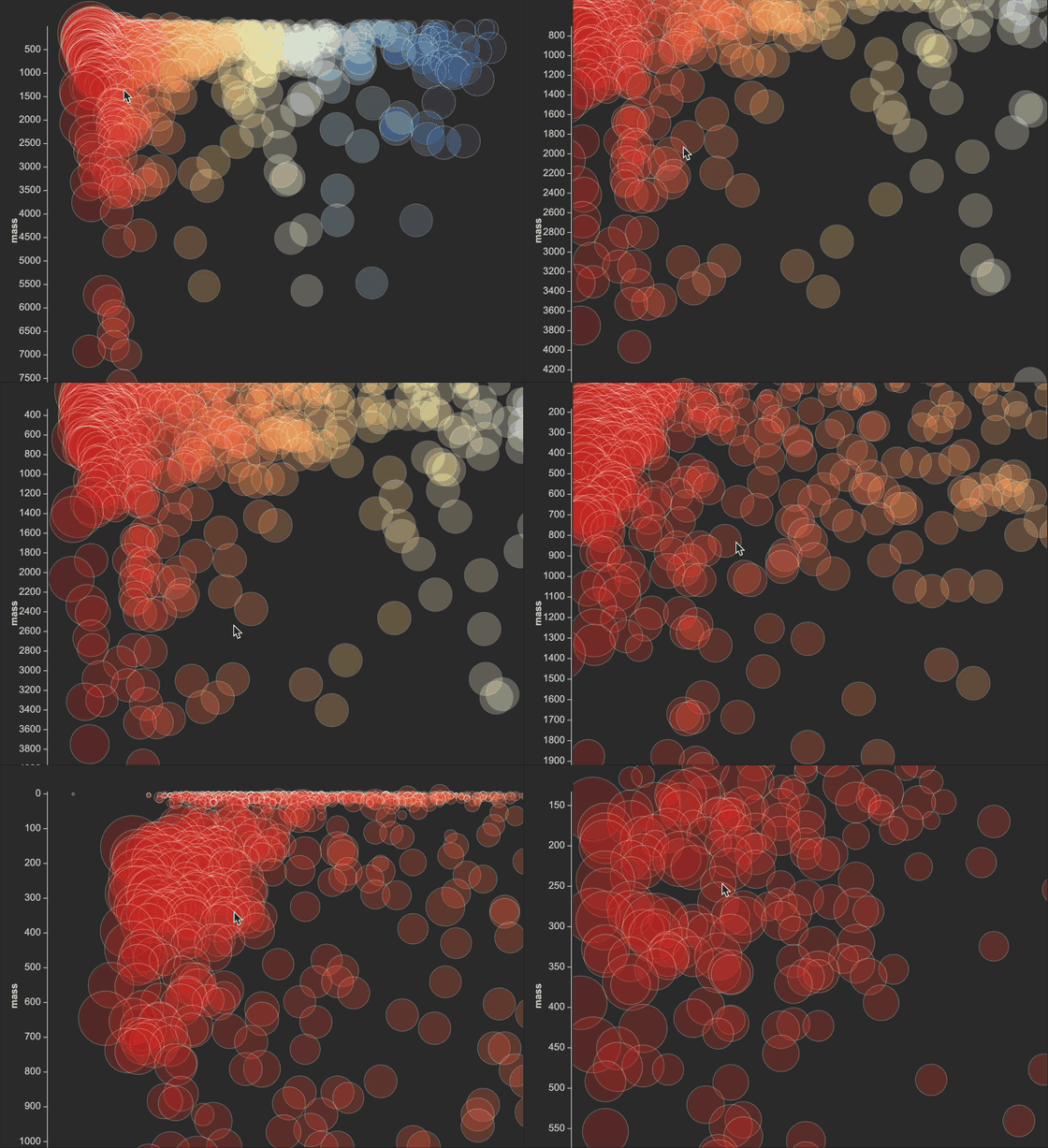
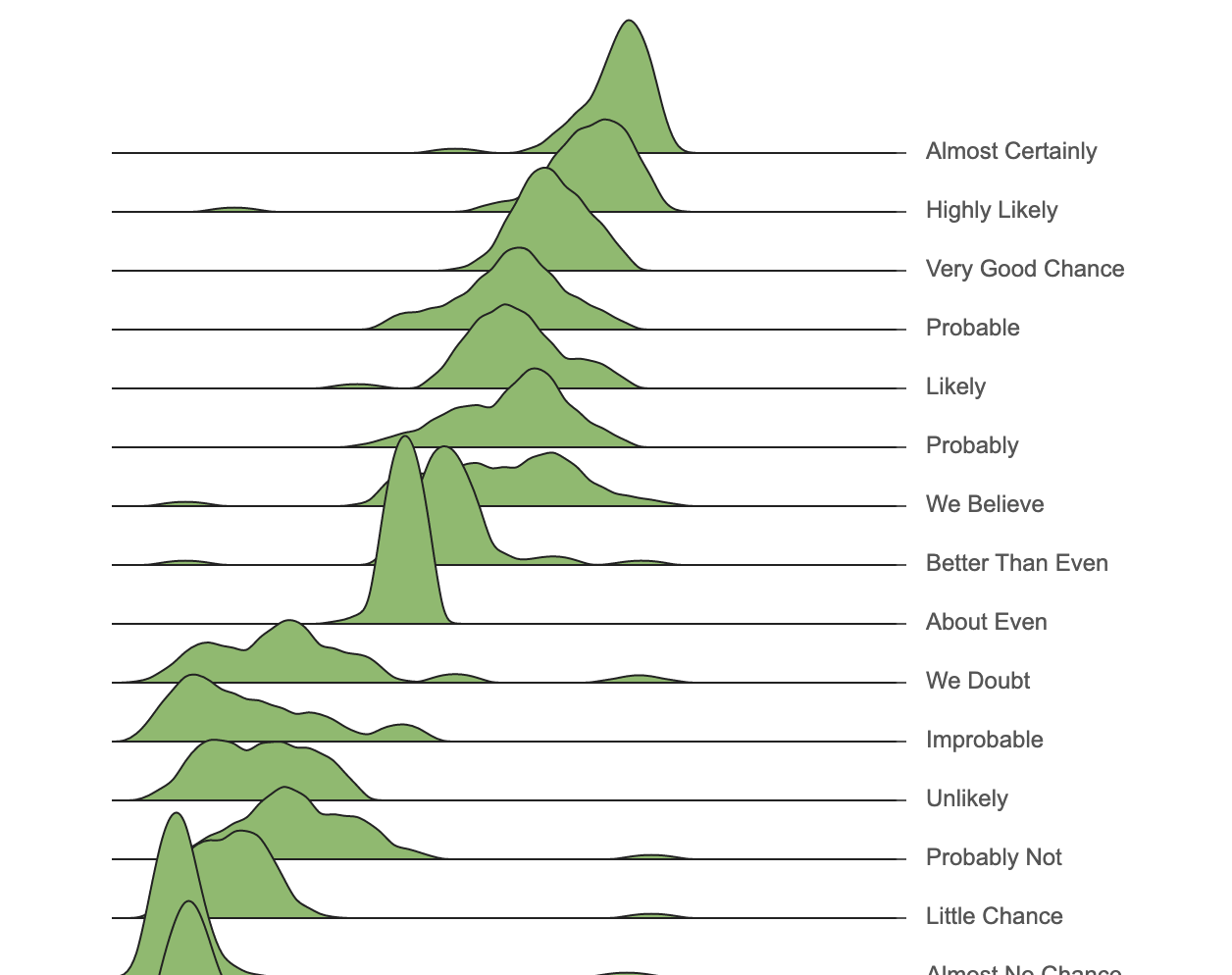
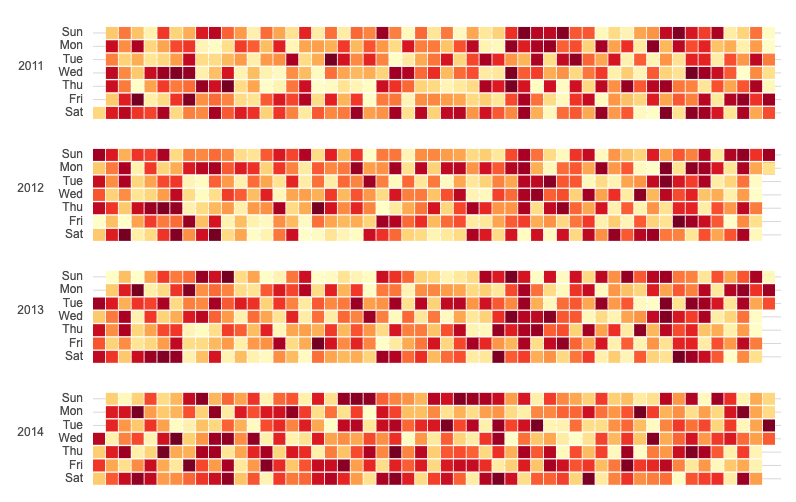
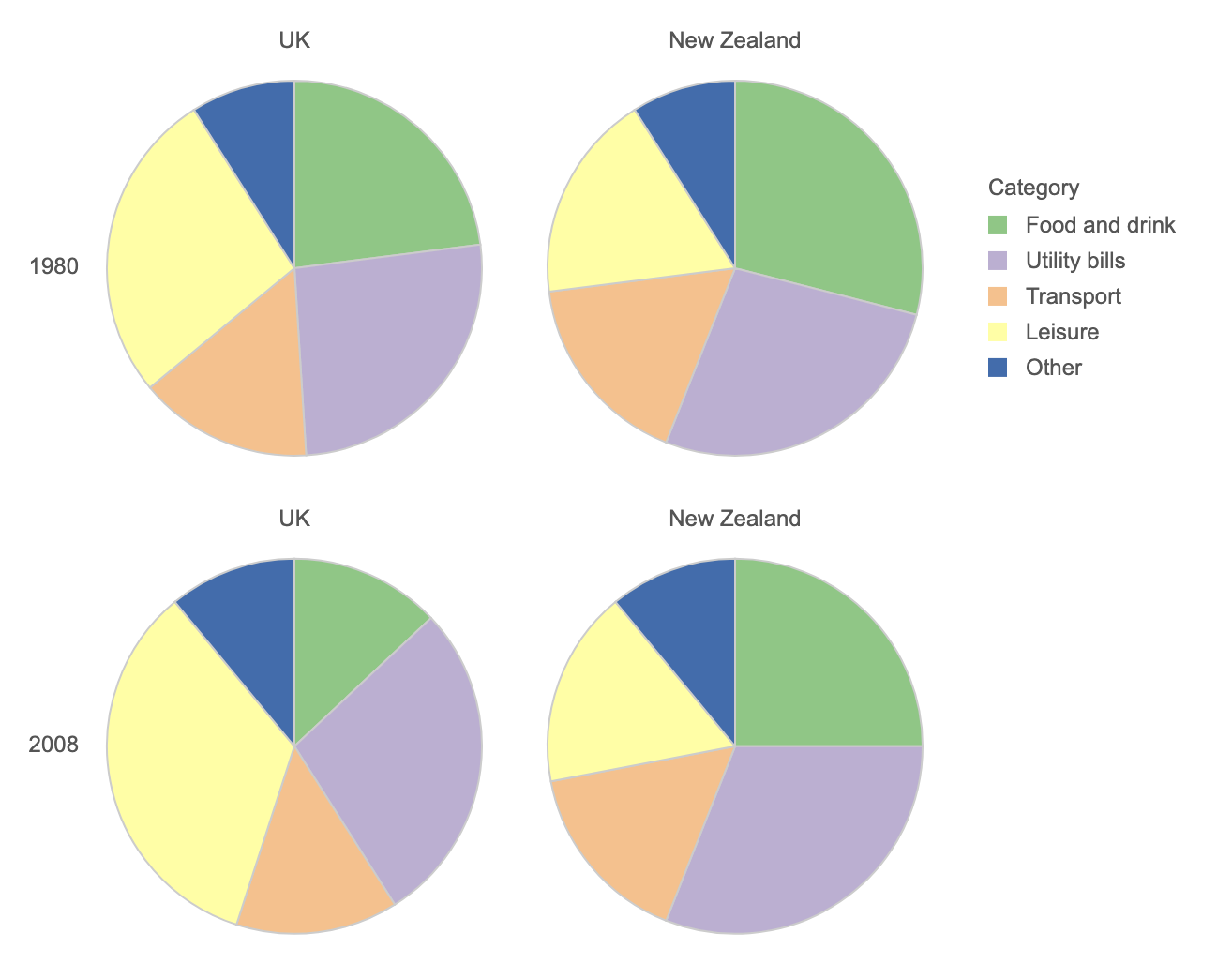
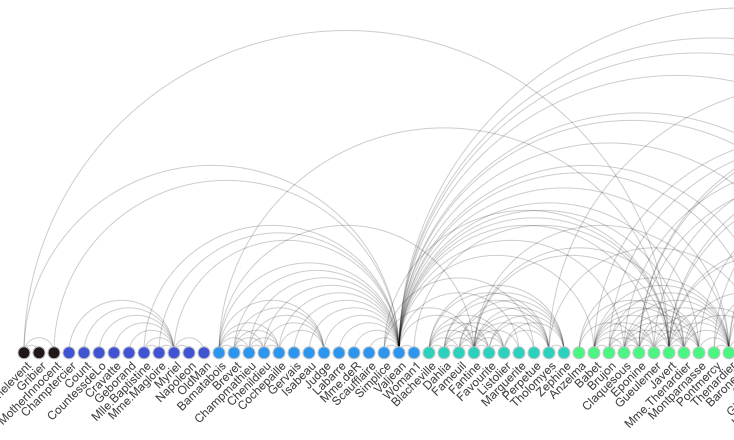
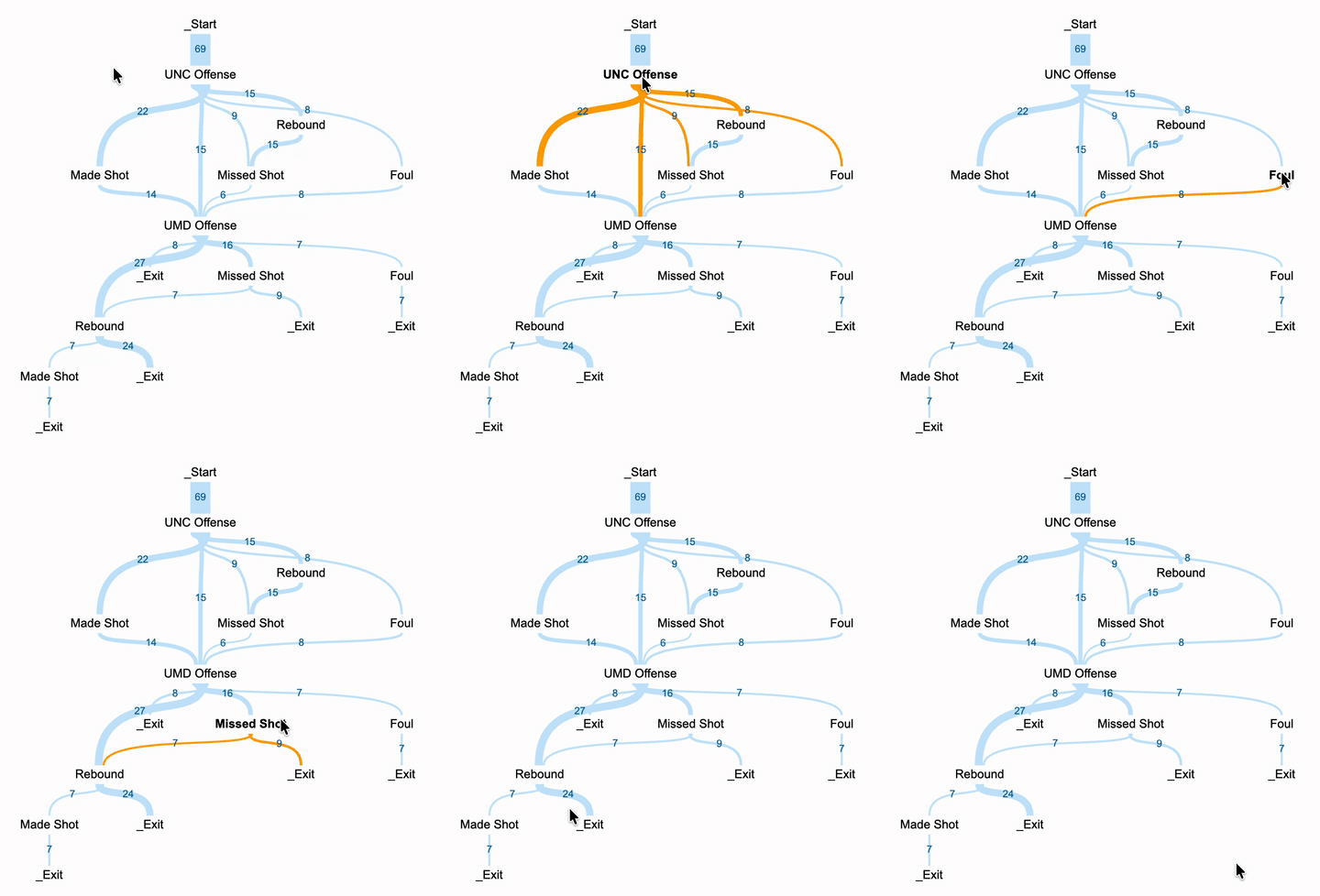
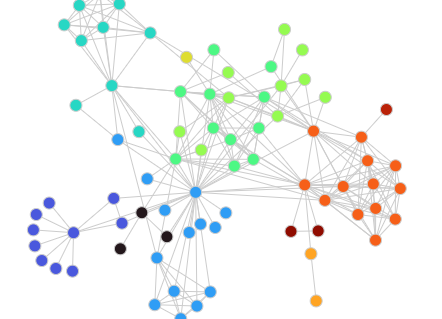
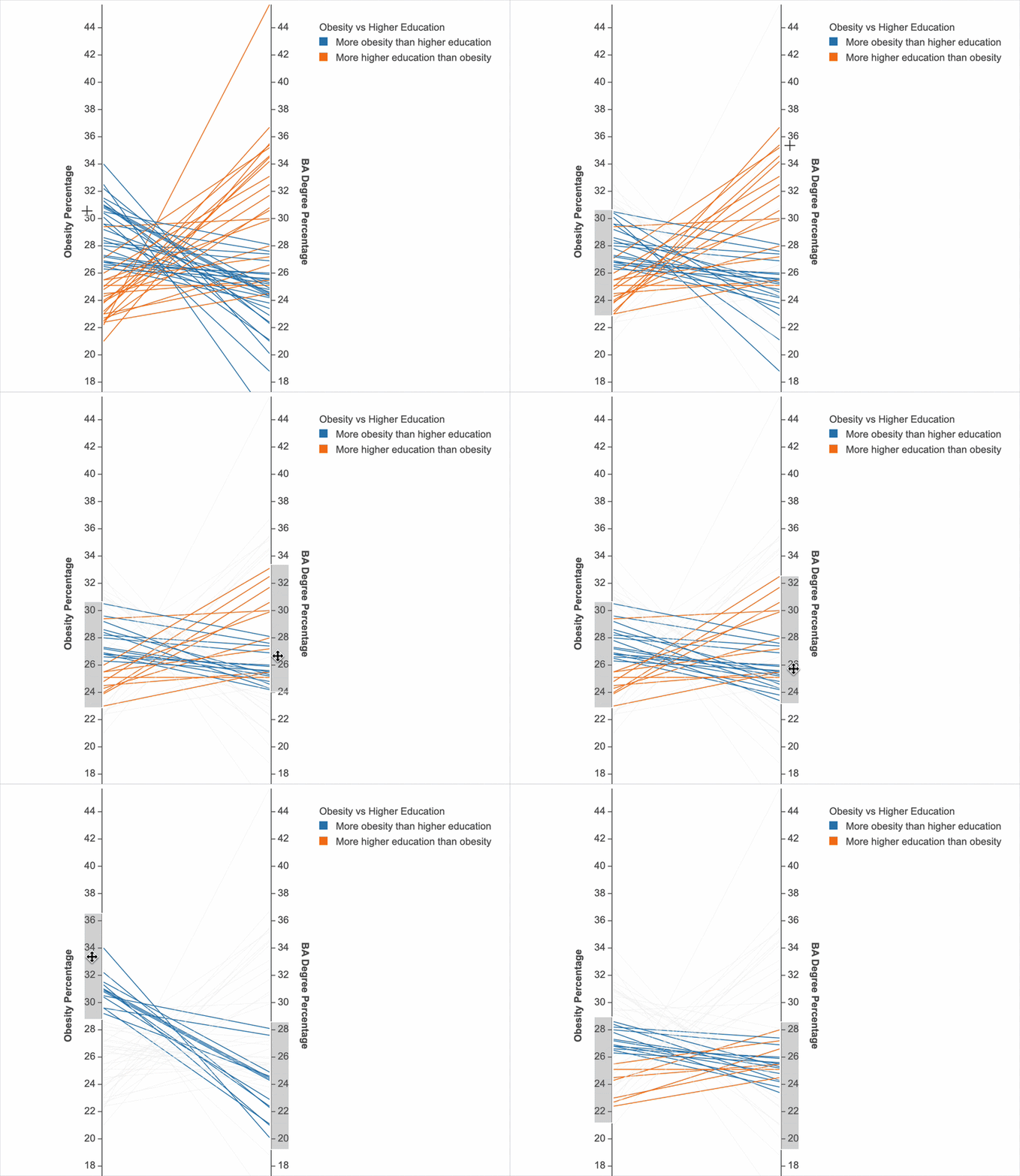
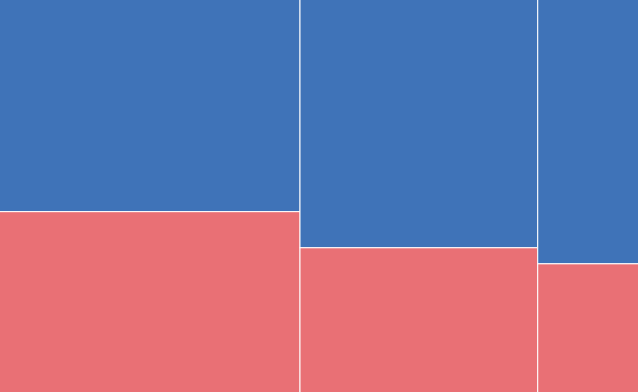
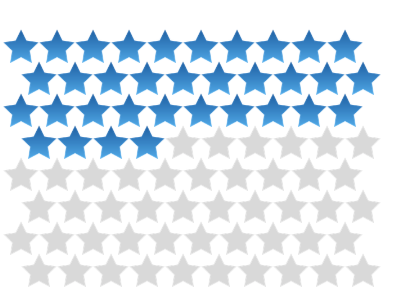
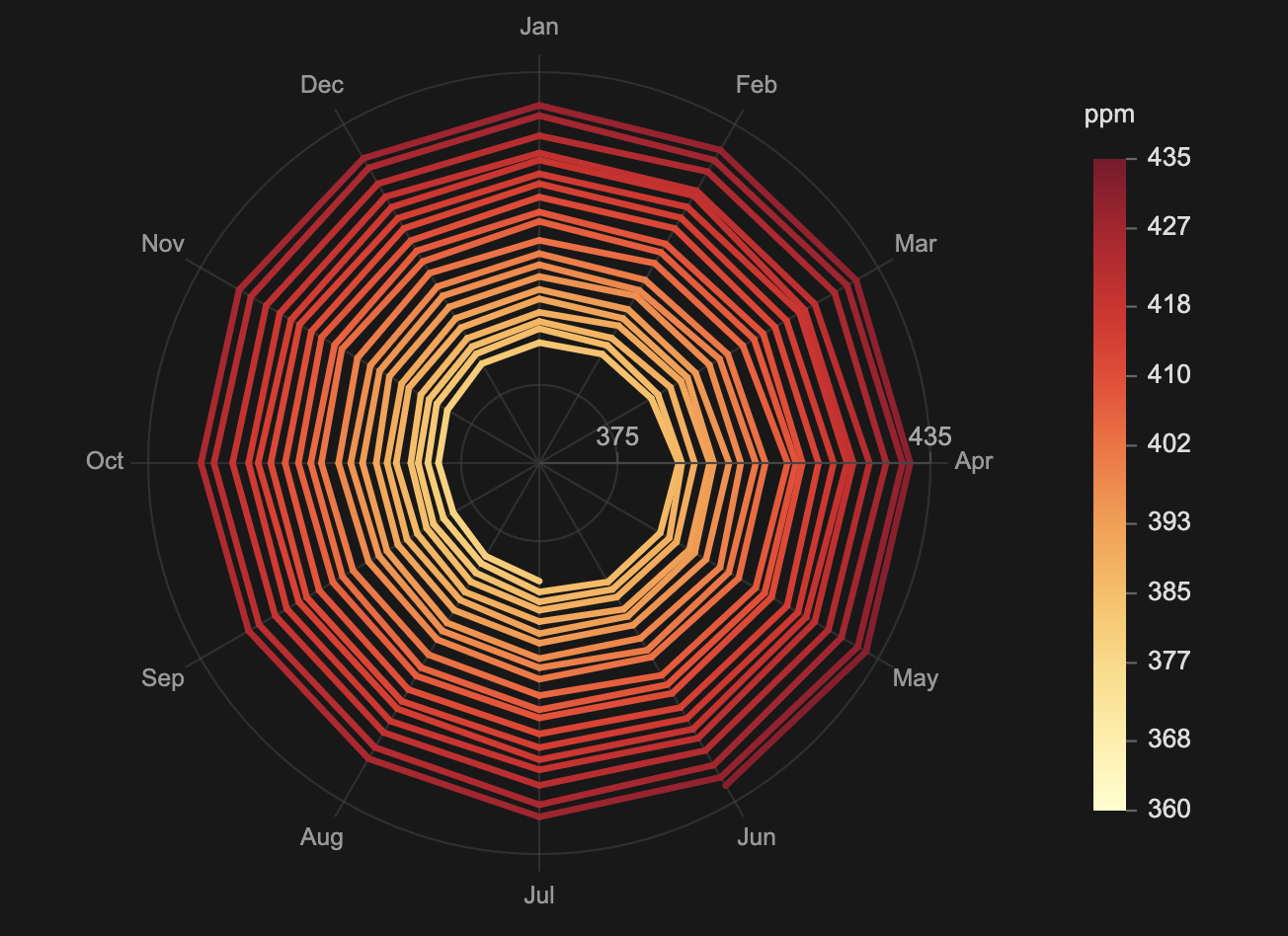
A scene-centric approach
Everything is a scene object
In Mascot, a data graphic is not just the output of a specification or rendering pipeline. It is a scene made of semantic objects you can inspect, select, and modify.
Scene hierarchy
Hover to inspect a scene object. Click Encoding or Layout to modify the scene.
Think in Scene Objects
Mascot is designed with two goals in mind: expressive power and high-level abstractions. It supports a wide range of data graphics from statistical charts and information graphics to rich interactive behaviors, while hiding low-level rendering and execution details so you can focus on your design intent.
At the core of Mascot is a grammar that treats marks, collections, encodings, layouts, and axes as first-class semantic objects, automatically managing the relationships between them as your designs evolve. This lets you think in terms of the graphics itself, not the mechanics of rendering, event handling, or dependency management.

Construct expressive data graphics
Mascot builds scenes from primitive marks through semantic operations such as repeat, divide, encode, layout, and align. Each operation creates objects that can be referenced and modified later.
Reactive scene modification
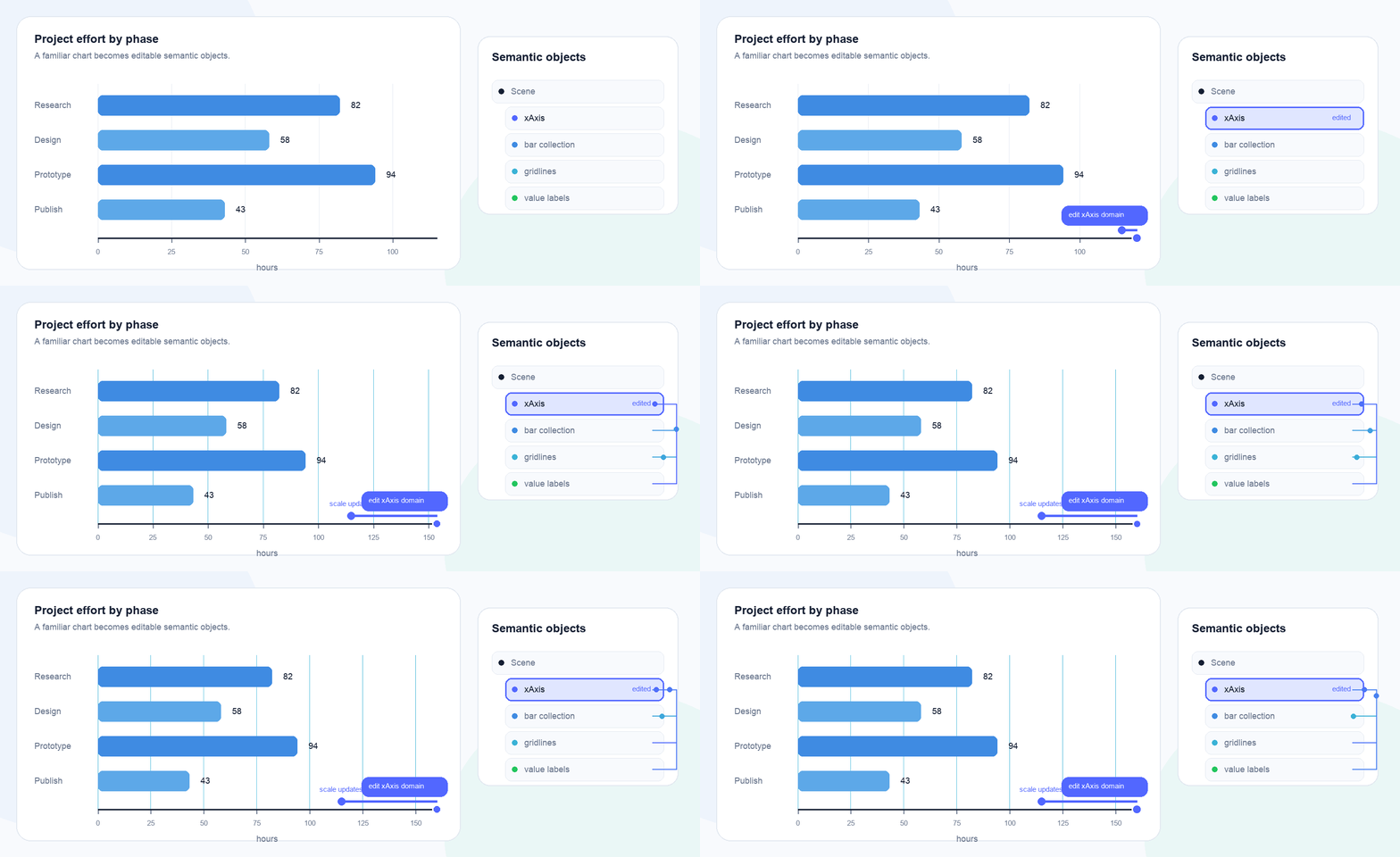
Mascot understands dependencies among semantic objects, so when you change an axis, encoding, layout, or collection, the related marks, guides, and labels automatically update.
Specify interaction with semantic objects
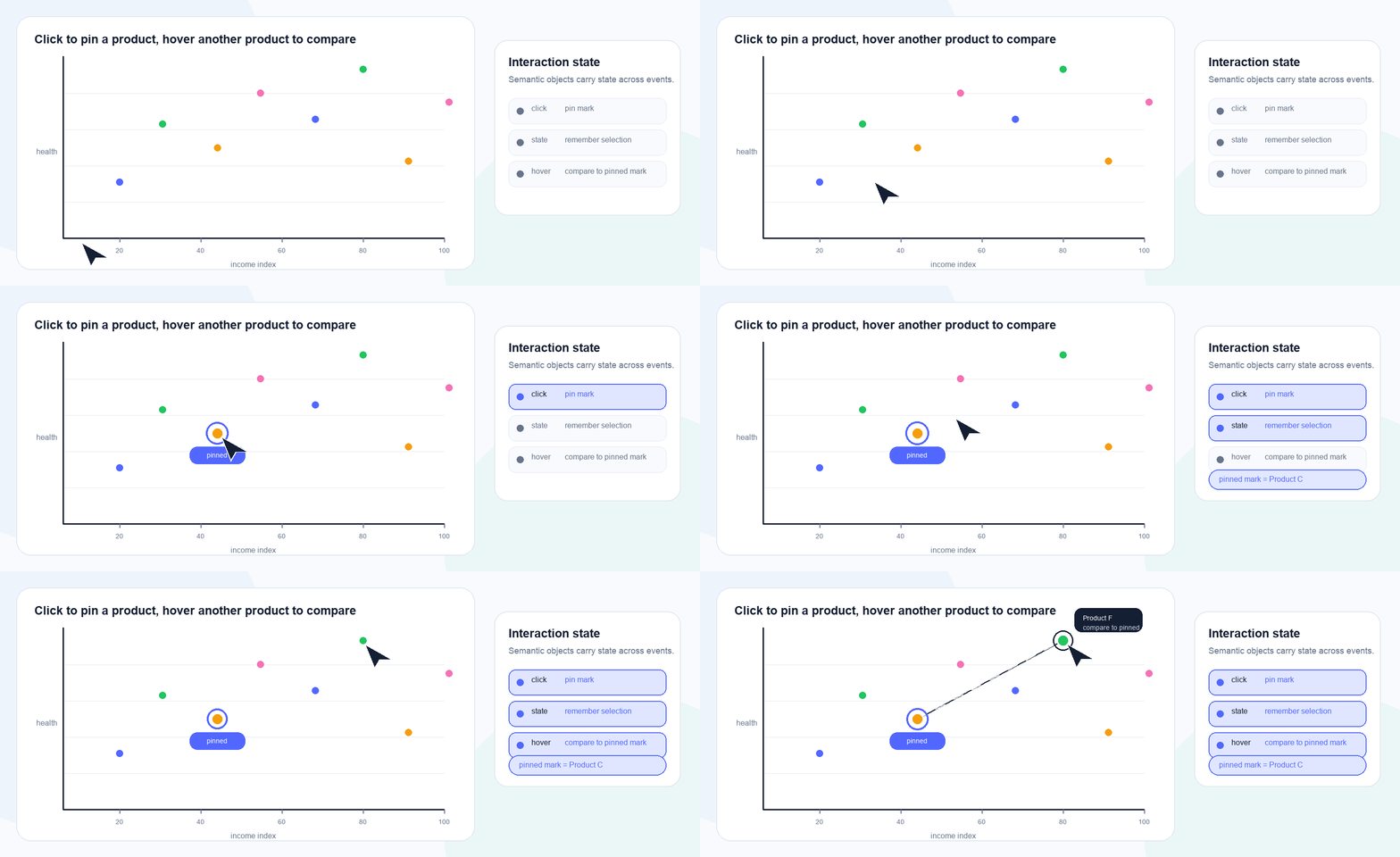
Define transient responses and persistent state in terms of scene objects, and the underlying execution details are handled automatically.